Why Sending Photos via Facebook to Your Retoucher is a Huge Mistake
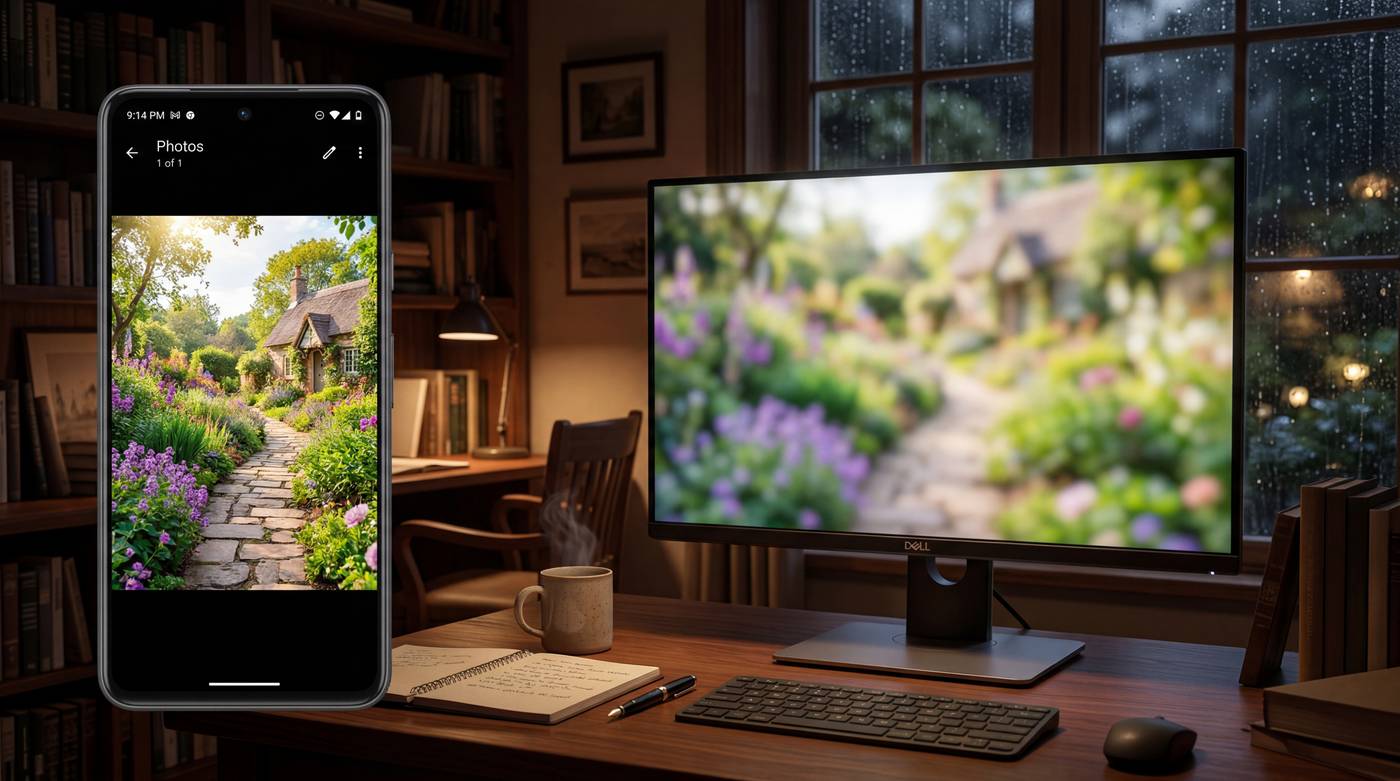
Why Sending Photos via Facebook to Your Retoucher is a Huge Mistake? Picture this: you’ve found an amazing retoucher, sorted out all the details, and you confidently click on Messenger, drag your photos into the chat window, hit Enter, and lean back satisfied: “All done, time to let them work their magic!” Meanwhile, on the other side of the screen, your retoucher is likely holding their head in their hands. While Facebook Messenger is easily one of the most convenient communication tools in the world, it is your absolute worst enemy when it comes to professional file sharing. Here is why you are ruining your own photos (and your retoucher's day) when you send raw material through Facebook. 1. Facebook is a "Pixel Meat-Grinder" Social media platforms were never designed to store massive, high-resolution files. The moment you upload or send an image through Messenger, Facebook’s algorithms kick in and brutally compress the file so it loads instantly on mobile screens. In a fraction of a second, it turns a 24-megapixel, razor-sharp, detail-rich photo into a tiny, soft, pixelated little image. Your retoucher needs to see skin texture, dust spots, and individual stray hairs—but after Messenger is done with it, all they see is a giant, blurry smudge. 2. Colors and Details Vanish Into Thin Air During compression, Facebook doesn't just lower the resolution; it completely discards subtle color gradients and fine details. Dark areas (shadows) become noisy and blotchy, while bright areas (highlights) get clipped. If a retoucher tries to color-correct or adjust lighting on such heavily compressed material, the image immediately falls apart and becomes unusable. 3. Say Goodbye to RAW Formats and Metadata If you work as a photographer, you know that a retoucher needs RAW files or, at the very least, maximum-quality, uncompressed JPEG/TIFF formats to work wonders. Messenger often can't even open RAW files, or if it does, it automatically converts them into a worthless, low-res preview. On top of that, it strips all metadata (Exif info) from the file, which could otherwise guide the retoucher (e.g., what camera or settings were used). 4. Absolute Chaos in File Names If you send 10 images via Messenger, Facebook renames them to something like: received_3847293847239.jpeg. If you later want to reference a specific shot (“On photo number 4, please lower the highlights”), good luck figuring out which one is number 4 to you, and which one is number 4 in the retoucher's download folder. Organization goes out the window, and miscommunications are guaranteed. The rule is simple: Messenger is for sending cat videos, memes, and text messages. But you NEVER use it to send professional raw material. How to Send Files Correctly (and Make Your Retoucher Love You) If you want your final results to look magazine-quality, forget social media. Use one of these free, professional alternatives instead: WeTransfer: The easiest option. Just upload your files, type in the email addresses, and you can send up to 2 GB for free with zero loss in quality. Google Drive / Dropbox / OneDrive: Create a folder, drop the images inside, and send the sharing link to your retoucher. High-capacity file transfer sites (like Massive.io or Smash). By using these tools, your images will arrive on your retoucher’s monitor in all their original, unblemished glory, allowing them to truly bring out the absolute best in your work!